Record, Edit, Compress & Convert — all in one app. Capture your screen in HD with internal audio, facecam overlay, and a built-in video editor. Upgrade to VIP for watermark-free recordings.
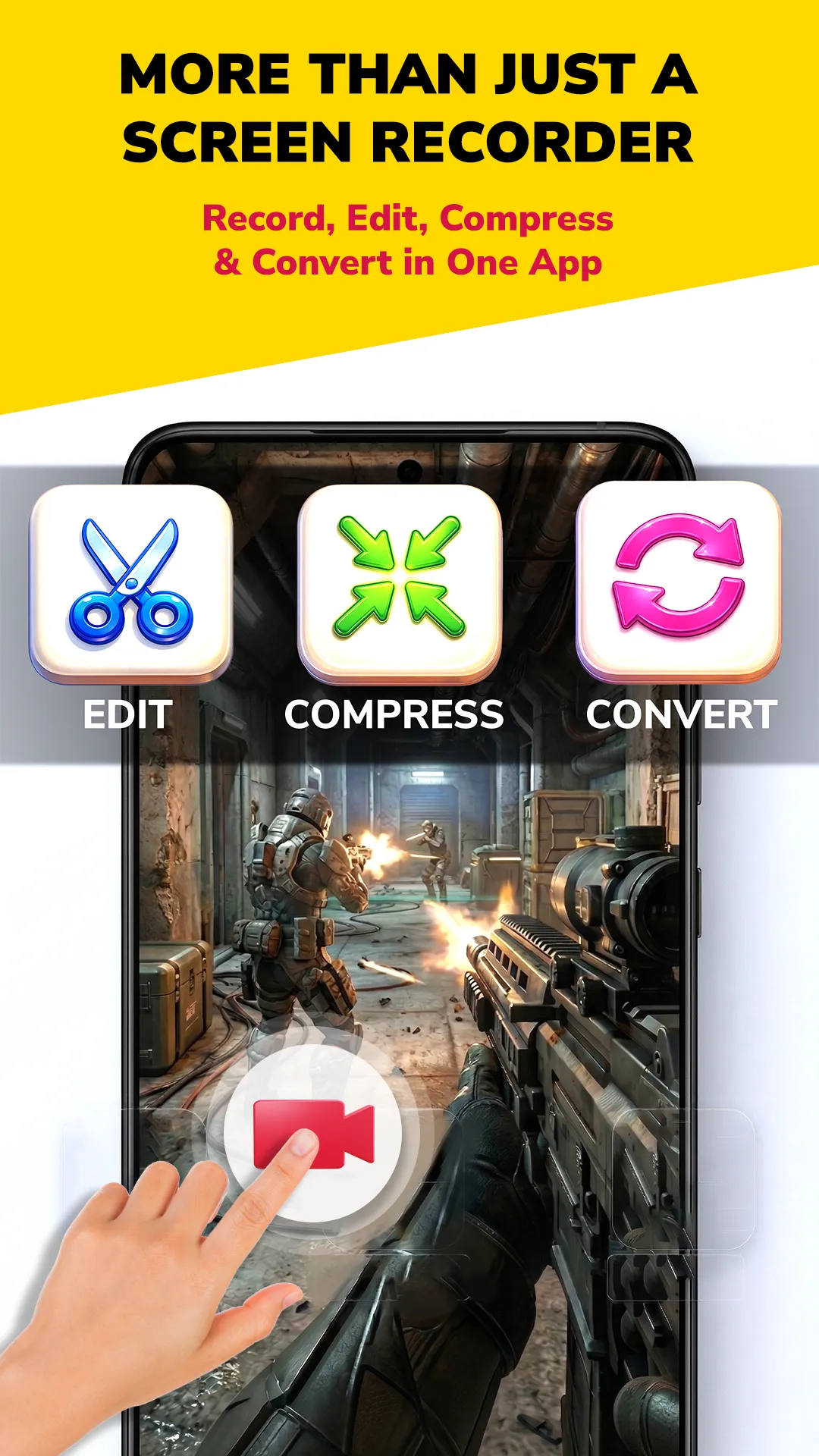
Record, edit, compress, and convert — everything you need in one lightweight app.
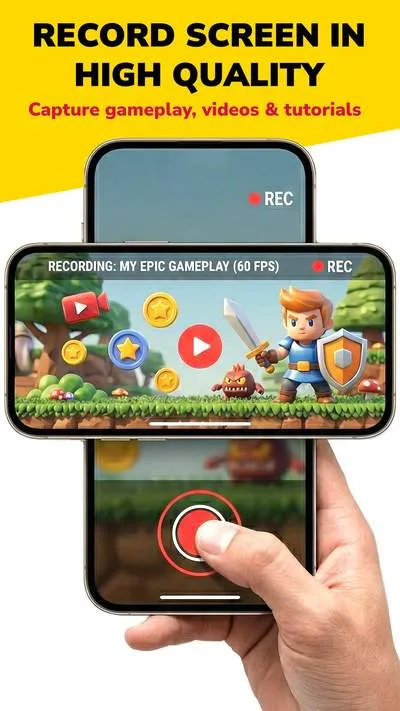
Record in 1080p at 60fps. Capture gameplay, tutorials, calls — crystal clear quality. VIP removes watermark.
1080p60fpsVIP: No WatermarkRecord system audio directly — game sounds, music, calls — no external mic noise. Android 10+.
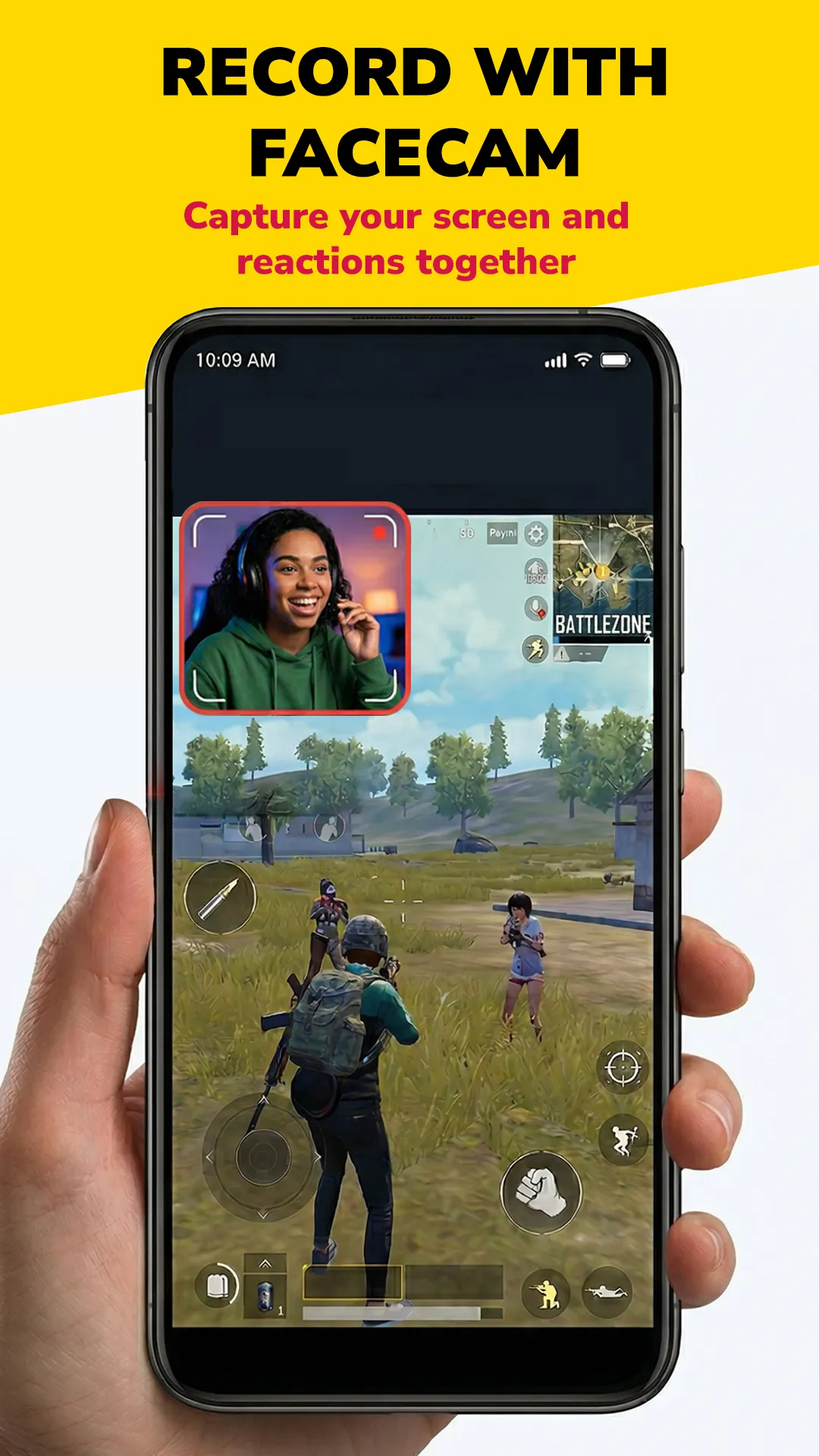
System AudioMicBothScreen and reactions together. Floating facecam bubble — resize, reposition, record like a pro.
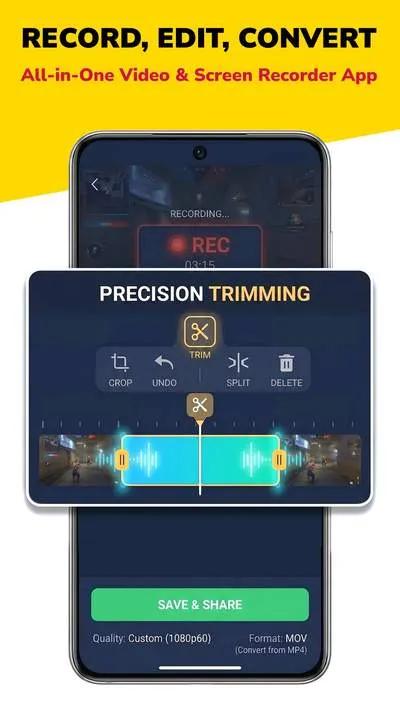
MovableResizablePrecision trim, crop, split & merge. Timeline editor with undo. Edit right inside the app.
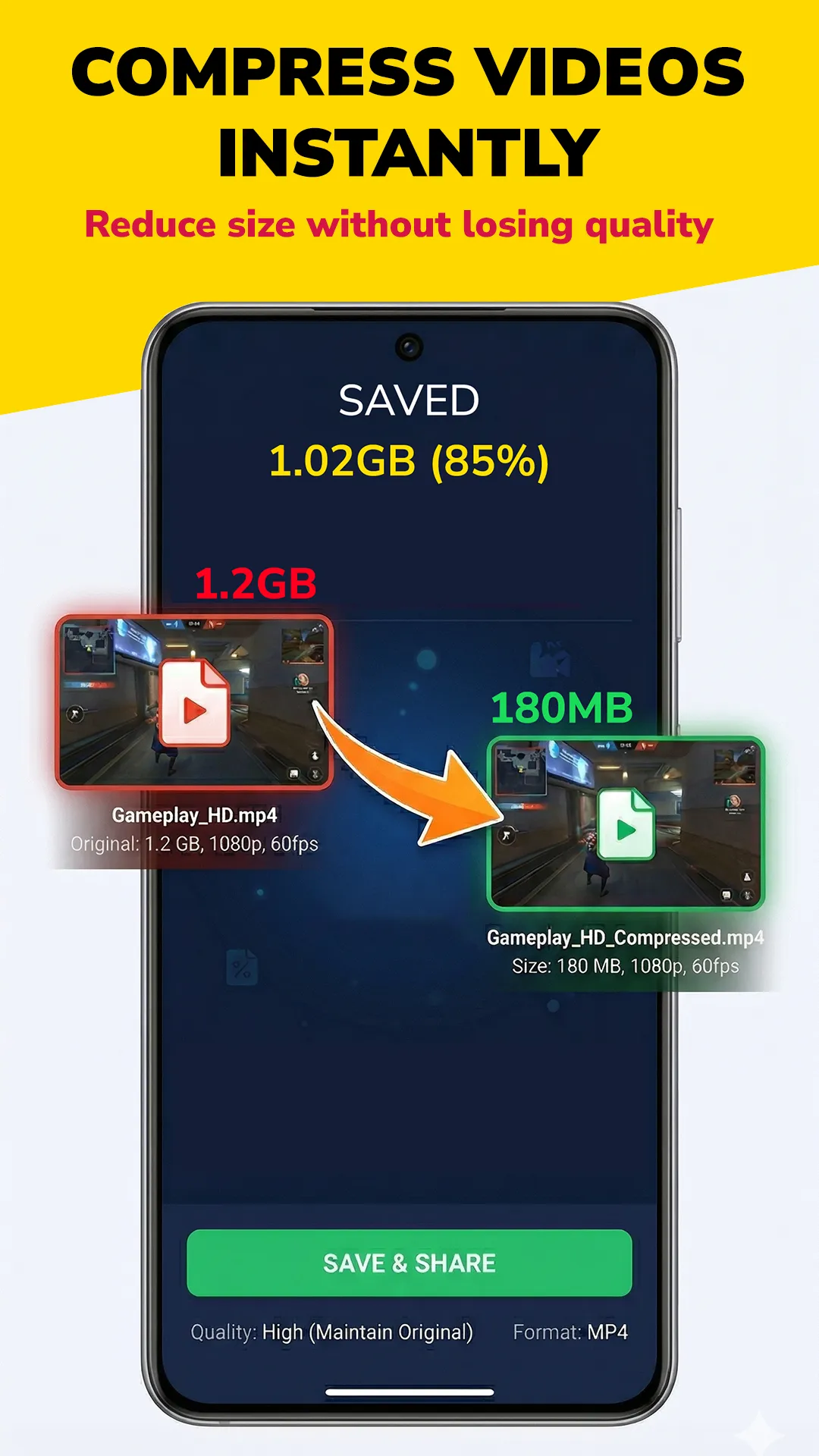
TrimCropSplitReduce file size up to 85% without losing quality. 1.2GB → 180MB instantly.
85% SmallerLosslessConvert between MP4, MOV and more. Change resolution, bitrate, format in one tap.
MP4MOVCapture your screen instantly. Screenshot during gameplay, apps, or browsing — share or edit.
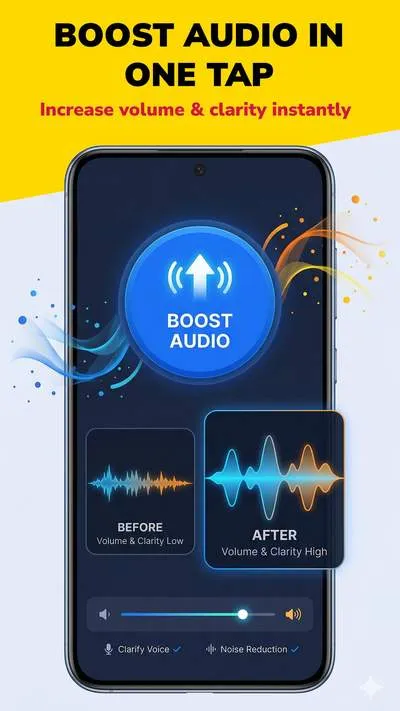
InstantShareIncrease volume and clarity instantly. Voice clarification and noise reduction built in.
BoostNoise ReductionConvert your images into animated GIFs instantly. Create fun, shareable GIFs from screenshots and photos right inside the app.
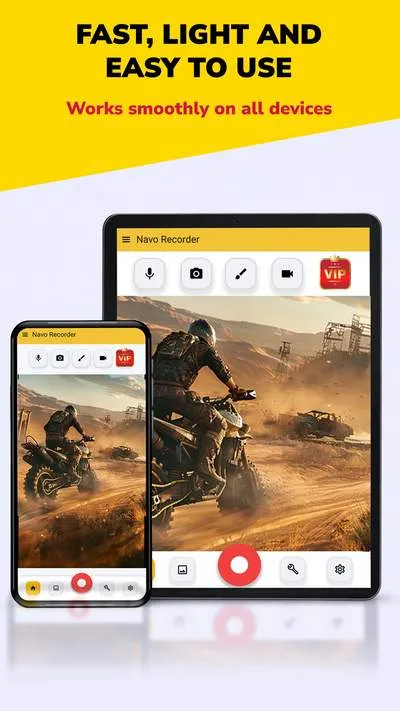
GIFAnimatedShareFast, light, easy. Works smoothly on phones, tablets, and low-end budget devices.
LightweightPhones & Tablets
Capture gameplay, tutorials, and app demos in stunning HD. Up to 1080p at 60fps — smooth enough for fast-paced gaming.

Add your front camera as a floating overlay while recording. Perfect for gameplay reactions and tutorial walkthroughs.

Navo's compressor reduces file size dramatically while maintaining quality. 1.2GB → 180MB, same 1080p 60fps.

Precision trimming, crop, split, undo. Convert between formats, adjust quality, export with one tap.

Increase volume and clarity of your recordings instantly. Built-in voice clarification and noise reduction — hear the difference.
No complicated setup. Download, tap record, done.
Install Navo Screen Recorder from Google Play Store. Open the app and grant recording permissions.
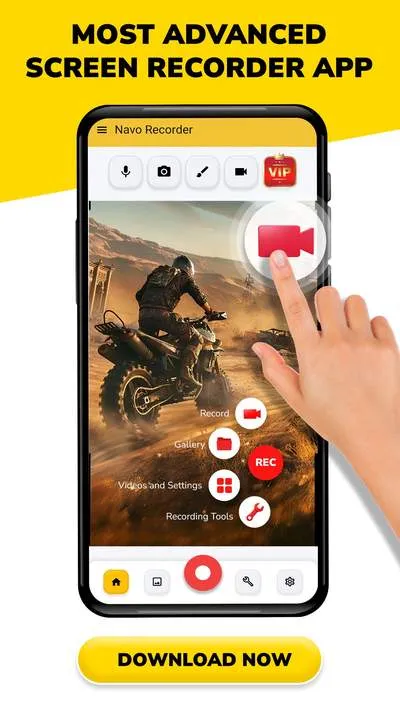
Set quality (up to 1080p60), enable internal audio or facecam. Tap the red record button to start.
Trim, compress, or convert your recording. Share to YouTube, Instagram, WhatsApp or TikTok.
Record PUBG, Free Fire, Minecraft gameplay with internal audio & facecam.
Record online classes, lectures, and Zoom meetings for revision.
Create YouTube tutorials, Instagram Reels, and TikTok content on your phone.
Record lessons with screen capture, narration, and easy sharing.
| Feature | Navo Recorder | AZ Recorder | XRecorder | Built-in |
|---|---|---|---|---|
| No Watermark | ✓ VIP | ✓ | ✗ Paid | ✓ |
| Internal Audio | ✓ | ✓ | ✓ | ✗ Limited |
| Facecam Overlay | ✓ | ✓ | ✓ | ✗ |
| Video Editor | ✓ Full | Basic | Basic | ✗ |
| Video Compressor | ✓ 85% | ✗ | ✗ | ✗ |
| Video Converter | ✓ | ✗ | ✗ | ✗ |
| Audio Boost | ✓ | ✗ | ✗ | ✗ |
| Screenshot Tool | ✓ | ✗ | ✗ | Basic |
| Tablet Support | ✓ | ✓ | ✓ | ✓ |